Why you should use sub accounts?
Here’s how to setup sub accounts #
- Login into Bitstamp site
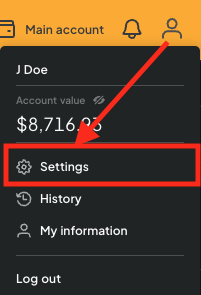
- Choose your account and select Settings
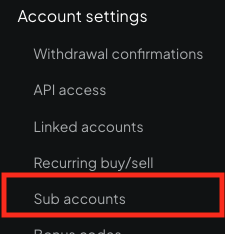
- Choose Sub accounts
- Click “Create new sub account”
- Enter a descriptive name (leave Type “Spot”)
- Click “Create account”
Further reading #
How to create API Keys on Bitstamp


