In order to use Orderly, you need to create API keys.
Here’s how to setup API Keys #
- Login into Bitstamp site
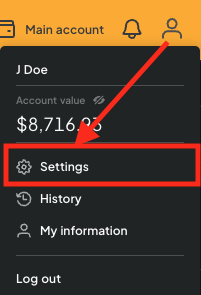
- Choose your account and select Settings
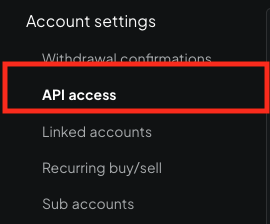
- Click API access
- Click upper right hand “New API key”

- Choose advanced settings

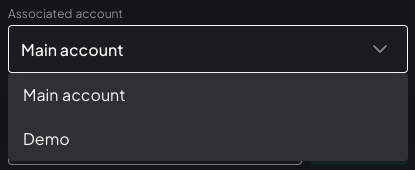
- Select for which account / sub account
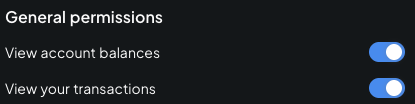
- Enable General permissions
- Enable Sub account transfers & Order management permissions
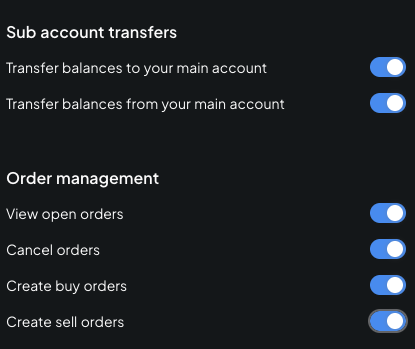
- Finally click “Create new API key”

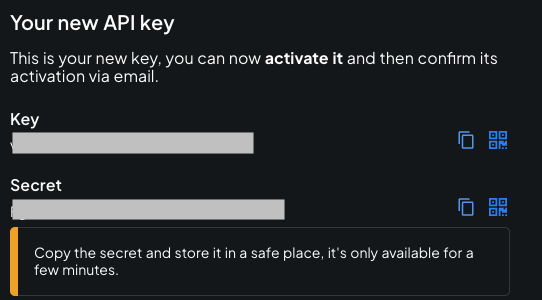
IMPORTANT #
You need to copy both Key and Secret into a SAFE place.
On macOS I’d keep them in Keychain Access in a secure Note.
After you click “Activate API Key” you will not be able to recover the Secret!
If you lose the secret: delete the API Key and create a new one.
- Click “Activate API key”

On Sandbox environment: that’s it you can start using the API Key.
For Bitstamp Production servers: you’ll receive an email with an activation link. Click it, you’ll be required to authenticate (MFA) again.
Further reading #
How to create sub accounts on Bitstamp


